Creating an organized home workspace is key to enhancing your focus and productivity. Whether you work remotely, study, or manage personal projects, a tidy and well-planned area can make a significant difference. Here are some simple ways to organize your home workspace for better productivity.
1. Choose the Right Spot
Start by selecting a dedicated space for your workspace. Ideally, this should be a quiet area with minimal distractions. If a separate room isn’t available, pick a corner or nook where you can set up a desk. Having a specific place for work helps your brain associate that spot with productivity.
Tips for selecting your workspace:
– Natural light can improve mood and energy — position near a window if possible.
– Avoid high traffic zones where people often pass by.
– Ensure good ventilation for comfort during long work sessions.
2. Declutter Your Desk
Clutter can be distracting and overwhelming. Keeping your desk clean and organized lets you focus on your tasks without unnecessary stress.
Simple ways to declutter:
– Remove items you don’t use daily.
– Keep only essentials like your computer, notebook, pen, and a water bottle.
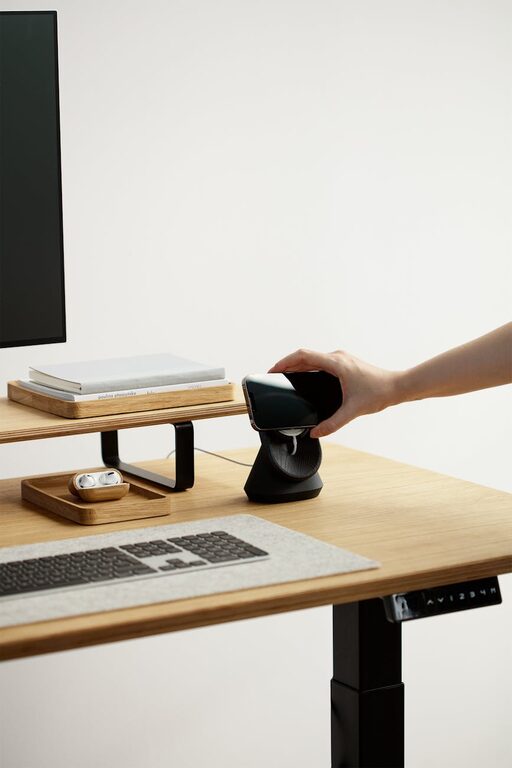
– Use trays or organizers to keep small items like paperclips and sticky notes in place.
3. Use Storage Solutions
Storage is important to keep your workspace neat and functional. Instead of letting papers and supplies pile up, find storage solutions that fit your space.
Storage ideas:
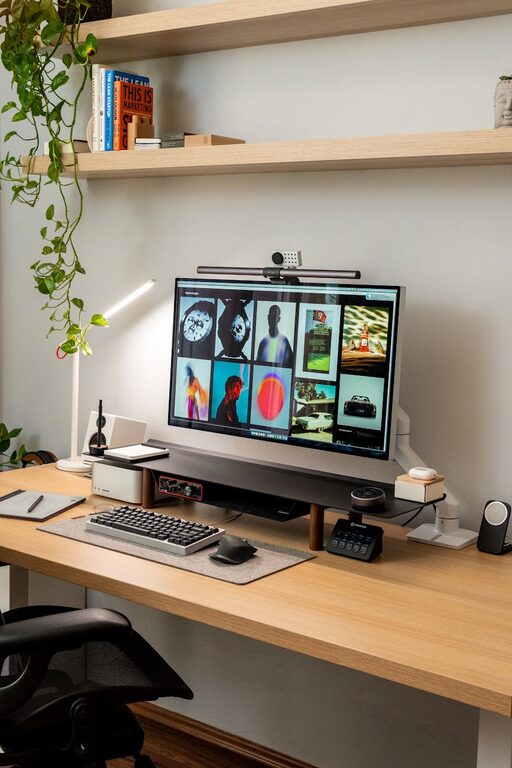
– Shelves or wall-mounted cubbies save desk space.
– Drawer organizers keep stationery sorted.
– File organizers or boxes help manage paperwork.
– Use baskets or bins for cables, chargers, and miscellaneous items.
4. Optimize Your Desk Layout
Arrange your desk so that everything you frequently need is within easy reach.
Tips for layout:
– Place your computer or laptop at eye level to reduce neck strain.
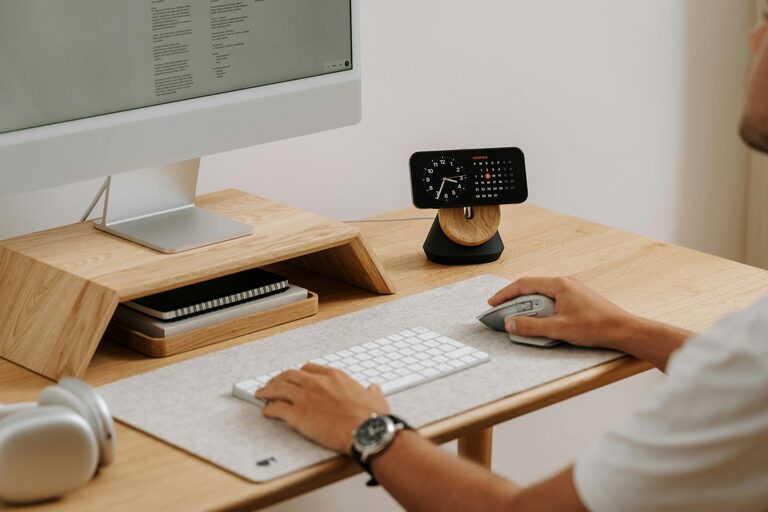
– Keep your mouse and keyboard comfortably positioned.
– Arrange frequently used documents or tools near you.
– Leave some free space for writing or reviewing documents.
5. Minimize Digital Clutter
Physical tidiness is important, but don’t forget about your digital workspace.
How to manage digital clutter:
– Organize your computer desktop — create folders for projects and files.
– Use productivity apps or calendar tools to keep track of tasks.
– Regularly clean your inbox and delete unnecessary emails.
– Backup important data to avoid loss.
6. Personalize Your Space Mindfully
A few personal touches can make your workspace feel welcoming and motivate you. However, avoid adding too many items that might become distractions.
Ideas for personalization:
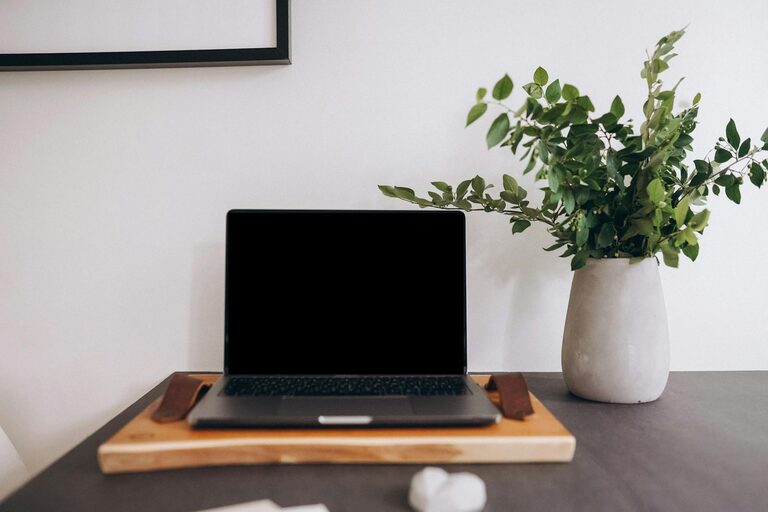
– Add a small plant to bring in some greenery.
– Display inspirational quotes or artwork.
– Use a comfortable chair or ergonomic accessories.
– Choose calming colors and good lighting to set a pleasant atmosphere.
7. Establish a Routine for Tidying Up
Maintaining organization is easier if you make tidying part of your daily or weekly routine.
Routine tips:
– Spend five minutes at the end of each workday clearing your desk.
– Regularly review and organize files, both physical and digital.
– Keep supplies stocked and dispose of unnecessary items promptly.
8. Use Cable Management Tools
Cables and wires can quickly create a mess on your desk.
Tips for cable management:
– Use cable clips or ties to bundle cords.
– Consider wireless devices to reduce wires.
– Place power strips under the desk or behind furniture.
Conclusion
Organizing your home workspace doesn’t have to be complicated. By selecting the right location, decluttering, using smart storage, optimizing your desk layout, minimizing digital clutter, personalizing mindfully, and keeping up with regular tidying, you create an environment that supports productivity and focus. Try implementing these simple tips and enjoy a more efficient and pleasant work experience at home.
About the Author